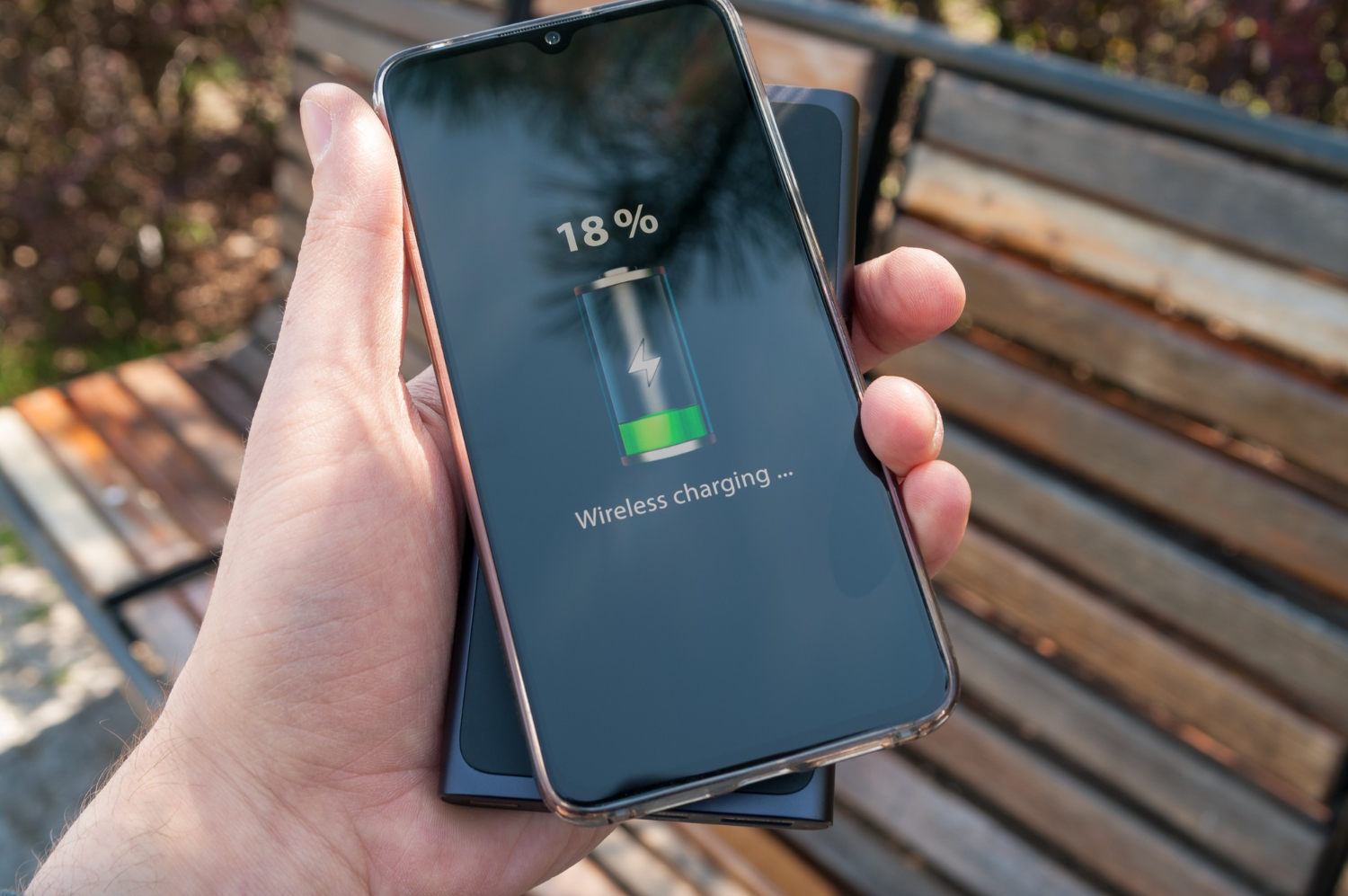
Android battery advice in 2026 is still full of myths. People get told to “close apps constantly,” install aggressive task killers, or flip a dozen toggles until the phone becomes inconvenient and notifications arrive late. The reality is simpler: modern Android already manages memory well, and most of the battery drain you feel comes from a small set of predictable causes—screen behavior, network conditions, background activity from a few noisy apps, and charging patterns that keep the battery warm and stressed. The best battery lifehacks are the ones that keep your phone useful. You don’t want to “save battery” by breaking messaging, location, or calendar reminders. You want stable, measurable savings that still deliver your important alerts on time. That’s why “app killers” are a bad idea: they often create more battery drain by forcing apps to restart repeatedly, and they can interfere with the system’s own optimization. The safer approach is to use adaptive charging features, smart power modes that reduce waste without crippling core apps, and targeted background control for the worst offenders. Then you verify results using battery stats over a week so you can separate real improvements from placebo.
Adaptive charging that protects battery health: reduce heat, avoid high-charge stress, and keep the routine automatic
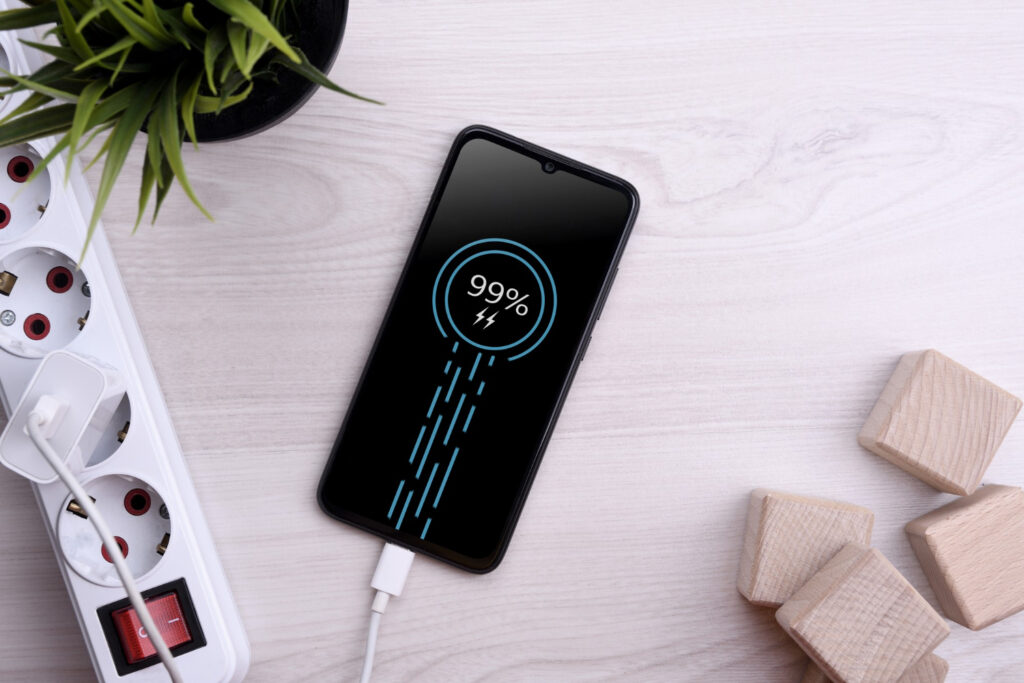
The first battery lifehack is thinking long-term. Batteries age faster when they spend lots of time hot and near 100% charge. Adaptive charging exists to reduce that stress by learning your routine and timing the final part of charging closer to when you actually unplug. Turn it on and let the phone handle the timing instead of micromanaging percentages. If your Android device supports a charge limit or a “protect battery” mode, it can be useful if you’re often near a charger—like at a desk—because it reduces time spent at maximum charge. But don’t force a strict limit if it makes your day harder. A setting that makes you anxious is not sustainable. Heat management matters more than perfect percentages. Charging while using heavy apps—navigation, gaming, hotspot—creates extra heat. A simple habit is charging during lighter usage when possible and keeping the phone ventilated rather than buried under a pillow or trapped in a thick case. Also be realistic about fast charging. Fast charging is convenient, but it can increase heat in hot environments. If you’re charging overnight, slow or standard charging can be gentler and sometimes cooler. The goal is not “never charge to 100%.” The goal is reducing heat and high-charge stress most days, automatically, without you thinking about it.
Smart modes that actually help: screen efficiency, connectivity choices, and battery settings that don’t sabotage notifications
Most battery drain comes from screen and radios. The lifehack is optimizing those without turning your phone into a restricted device. Start with the screen, because it’s usually the largest power consumer. Use adaptive brightness, reduce brightness slightly in indoor settings, and consider a shorter screen timeout so the phone isn’t staying bright when you’re not actively using it. If your phone supports a high refresh rate, it can make the UI feel smoother, but it can also cost battery. A practical approach is using adaptive refresh rate if available so the phone reduces refresh when it doesn’t matter. Connectivity is the next big lever. In weak-signal areas, your phone burns power hunting for signal. If you’re in a place with poor 5G coverage, forcing the phone to constantly switch between bands can drain battery and cause heat. Choosing a more stable network mode for your region can improve both battery and stability, but don’t get stuck in extreme tweaks. The right move is stability: avoid constant searching. Wi-Fi can also save battery when it’s strong, but a weak Wi-Fi network can cause retries and drain. If your Wi-Fi is unstable, cellular may actually be better. The myth is that one is always more efficient; in reality, the strongest, most stable connection usually wins. Then use battery saver modes intelligently. Battery saver is most useful when you’re truly low and need to stretch time, not as a permanent lifestyle. If your phone offers an “adaptive battery” feature, enable it—this generally helps by limiting background activity for apps you rarely use, while preserving core apps. The goal is a phone that lasts longer without missing messages or delaying important push notifications.
Background control without “app killers”: restrict the right apps, whitelist the essentials, and measure using battery stats
The biggest mistake people make is applying background restrictions randomly or using third-party “killers.” Android already handles memory and process management, and forcing apps to close can cause more work because apps restart, resync, and re-download. The lifehack is targeted control based on evidence. Open battery usage stats and look at which apps consume the most background time over 24 hours and over several days. You’ll often find a few repeat offenders: social apps refreshing feeds, shopping apps tracking in the background, or media apps that keep waking the device. For those, restrict background activity or set them to a more limited battery mode. At the same time, protect the apps that must be reliable: your main messenger, email if you rely on fast delivery, calendar reminders, authentication apps, and any security alerts. If you restrict those, you’ll get the classic problem: “my battery is better but my phone is unreliable.” Another lifehack is reviewing permissions that drive background drain, especially location. Apps set to “always allow location” can quietly drain power. Switch most apps to “while in use” and reserve “always” for navigation, safety, or a specific purpose you genuinely need. Also reduce background sync noise. If you have multiple cloud drives, multiple email accounts fetching constantly, and a dozen apps with push notifications, your phone is constantly waking. Trim what you don’t use. Finally, lock in your changes for a week. Battery behavior varies day to day, so don’t judge success based on one good day. Use a week window, compare screen-on time, compare background drain from the worst apps, and note whether your important notifications remain timely. Real battery savings are measurable and stable, not a one-day miracle.
Leave a Reply